Make the cut on set.
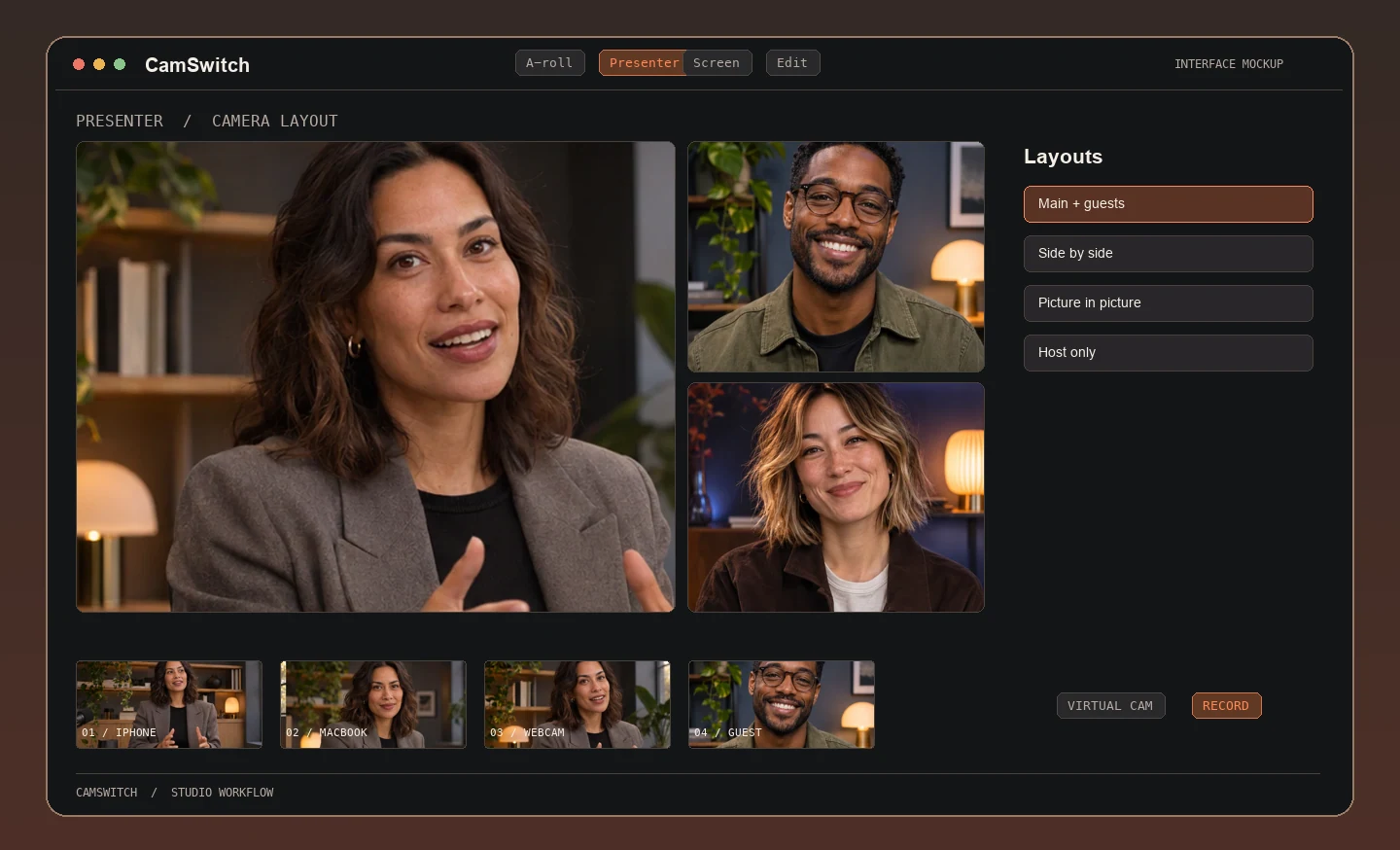
Switch with the number keys, click an angle, or let CamSwitch follow your face as you turn toward a lens.
 CamSwitch
Contact Sheet
Multi-camera recorder for Mac
Direct the shoot from either side of the lens. Look toward a camera to switch the live cut, and keep every angle for the edit.
Apple silicon · macOS 26 or later
Production notes
Switch with the number keys, click an angle, or let CamSwitch follow your face as you turn toward a lens.
Open the recorded timeline in Final Cut Pro. A separate file for each camera lets you hold a reaction longer or bring another angle forward.
Record a landscape cut and a second vertical or square version in the same take. Set the framing before you roll.
Choose an angle on the AI presenter.
AI-generated camera angles Studio mockup
CamSwitch for Mac
For Apple silicon Macs running macOS 26+.